
Hyvä Commerce 1.3.0: what’s new
The latest Hyvä Commerce release brings another big batch of updates. Here are the highlights: the new Menu Builder, Hyvä CMS support for category and product pages, new dashboard widgets, and major speed gains in Hyvä Themes.
Menu Builder: at last, navigation exactly the way you want it
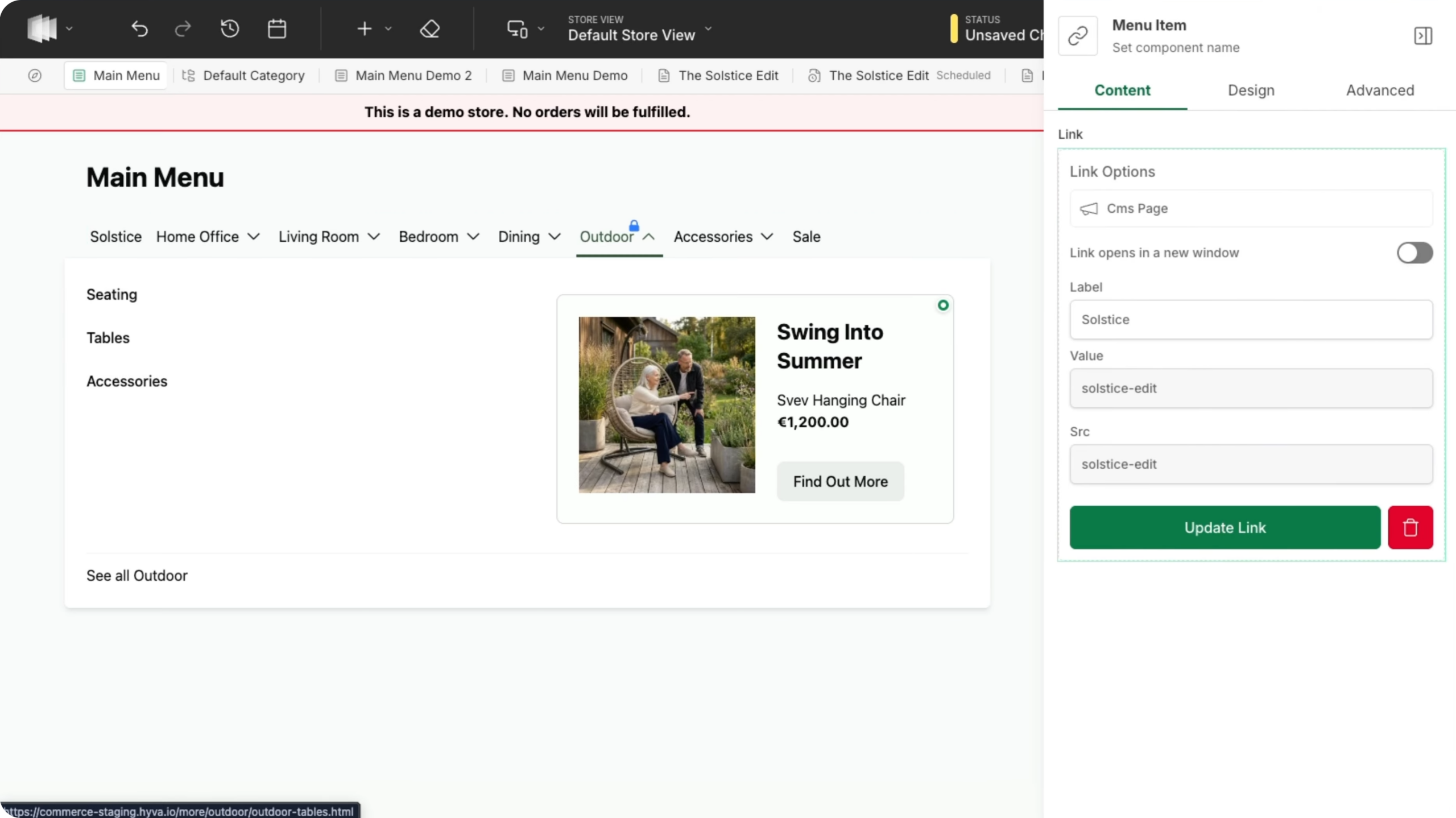
The Menu Builder is one of the biggest additions in 1.3.0. Until now, setting up your menu was often a bit too technical. You’d change something in the configuration but wouldn’t know whether it was right until you saw it on the live site. Without a clear preview of the result, mistakes were easy to make. Not anymore. With the Menu Builder, you edit your menu visually and see right away how it will look on your site. You can build your navigation exactly the way you want, without calling in a developer. Here’s what it lets you do:
Choose how your menu looks
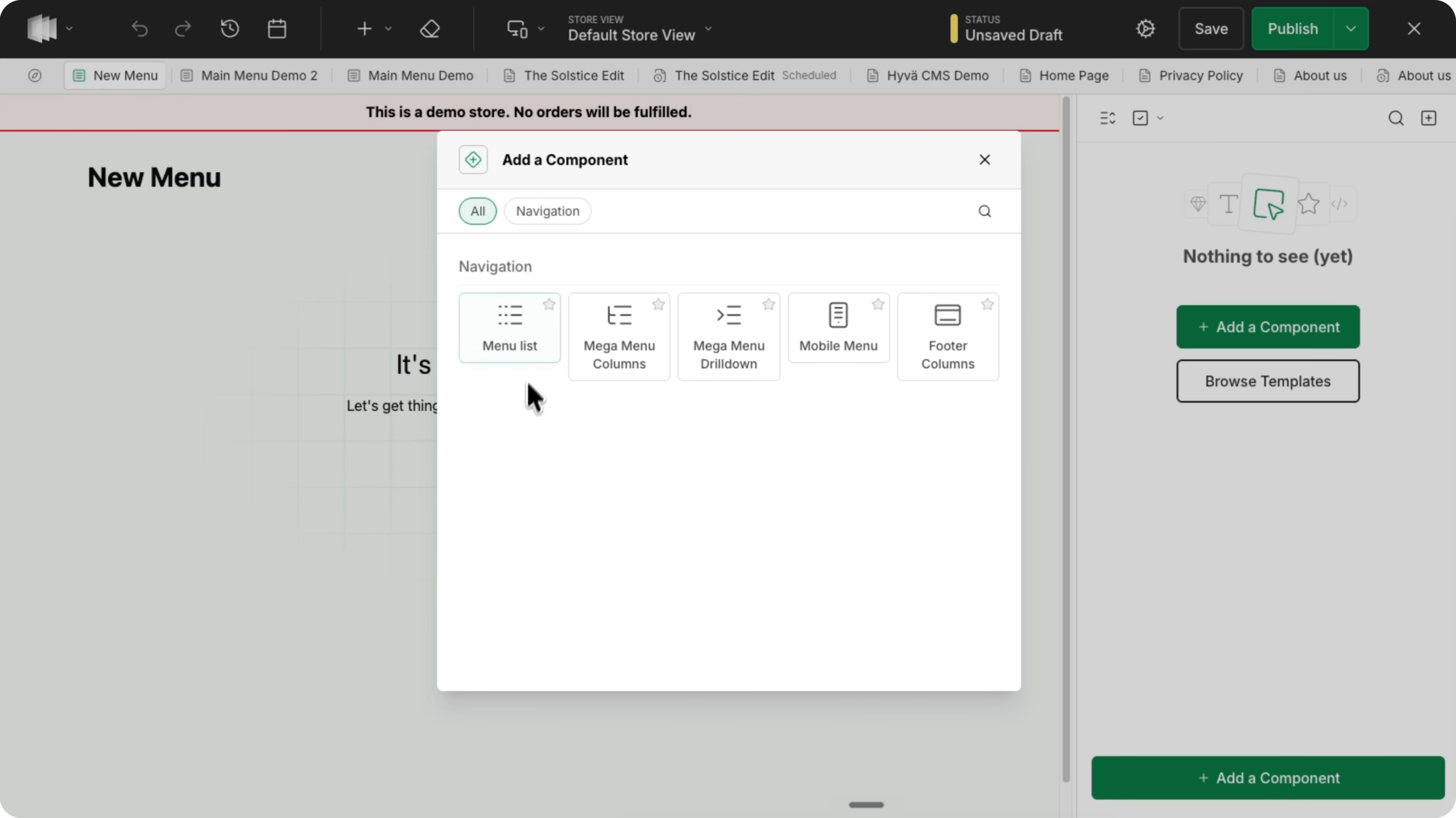
Pick from ready-made options, including a mega menu with columns, an expandable drill-down menu (ideal when you have lots of subcategories), a mobile menu with a built-in search bar, and a multi-column footer menu.
Import categories in one go
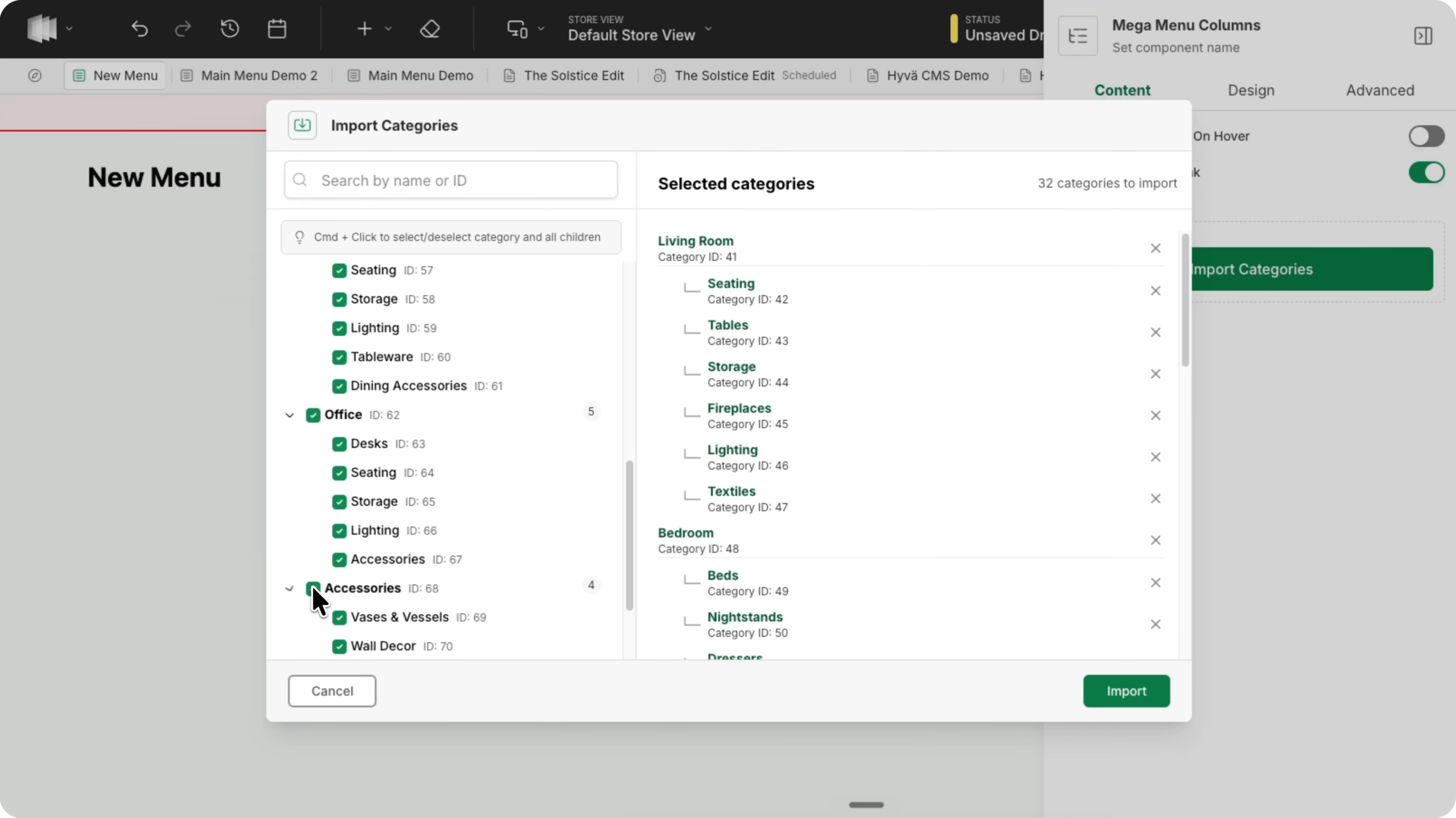
Add your entire category tree to your menu in just a few clicks, subcategories included.
Menus that update themselves
Is your catalog managed through an ERP, with categories changing regularly? Set up a dynamic category tree that automatically follows changes to your catalog, with no need to update the menu by hand.
Add rich content
Feature banners, product images, or promotional blocks in your menu to highlight a sale, for example.
Schedule changes
Set up a new menu in advance and schedule it to go live at a specific time, such as the moment a promotion starts.
Hyvä CMS now works on category and product pages
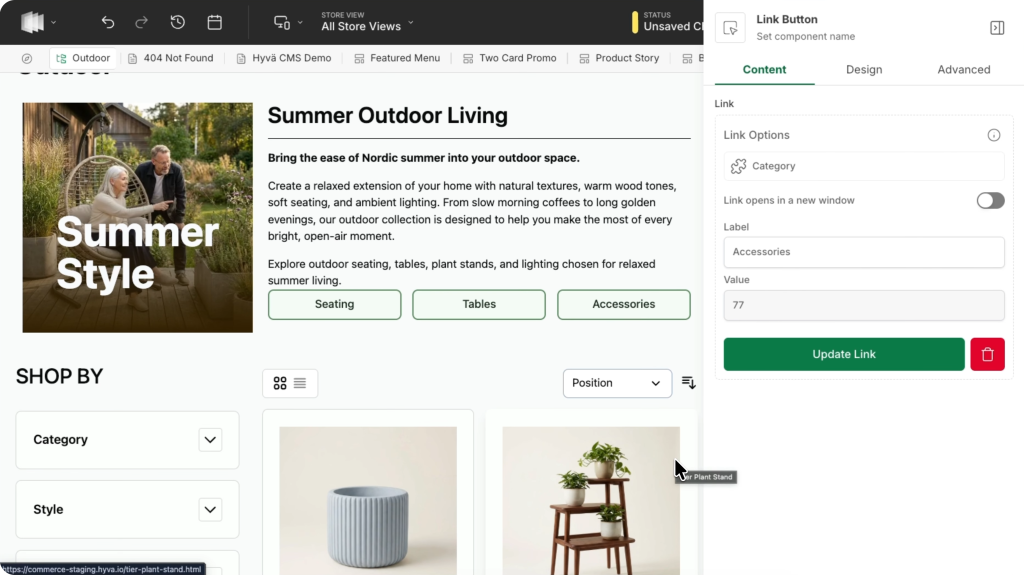
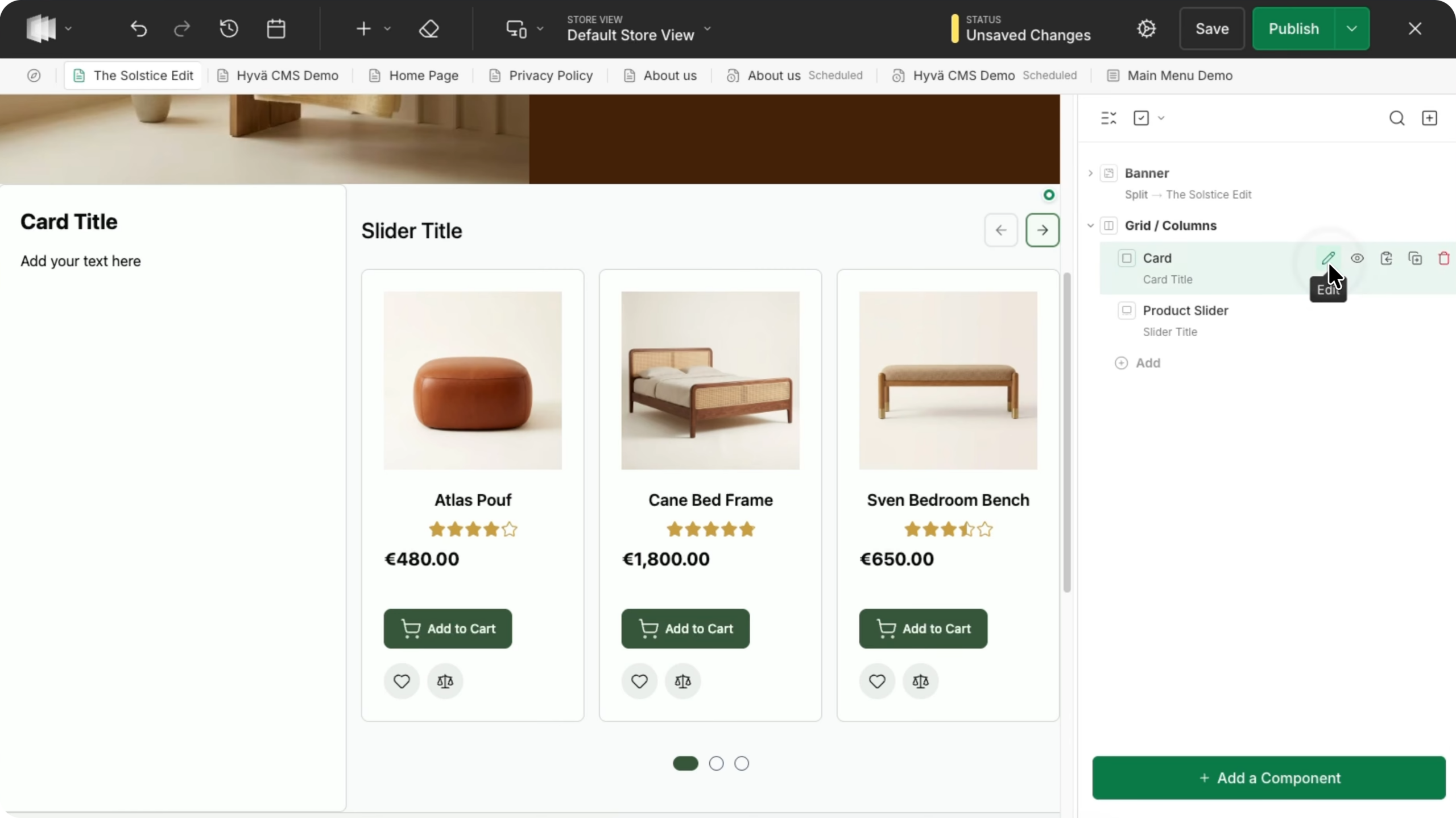
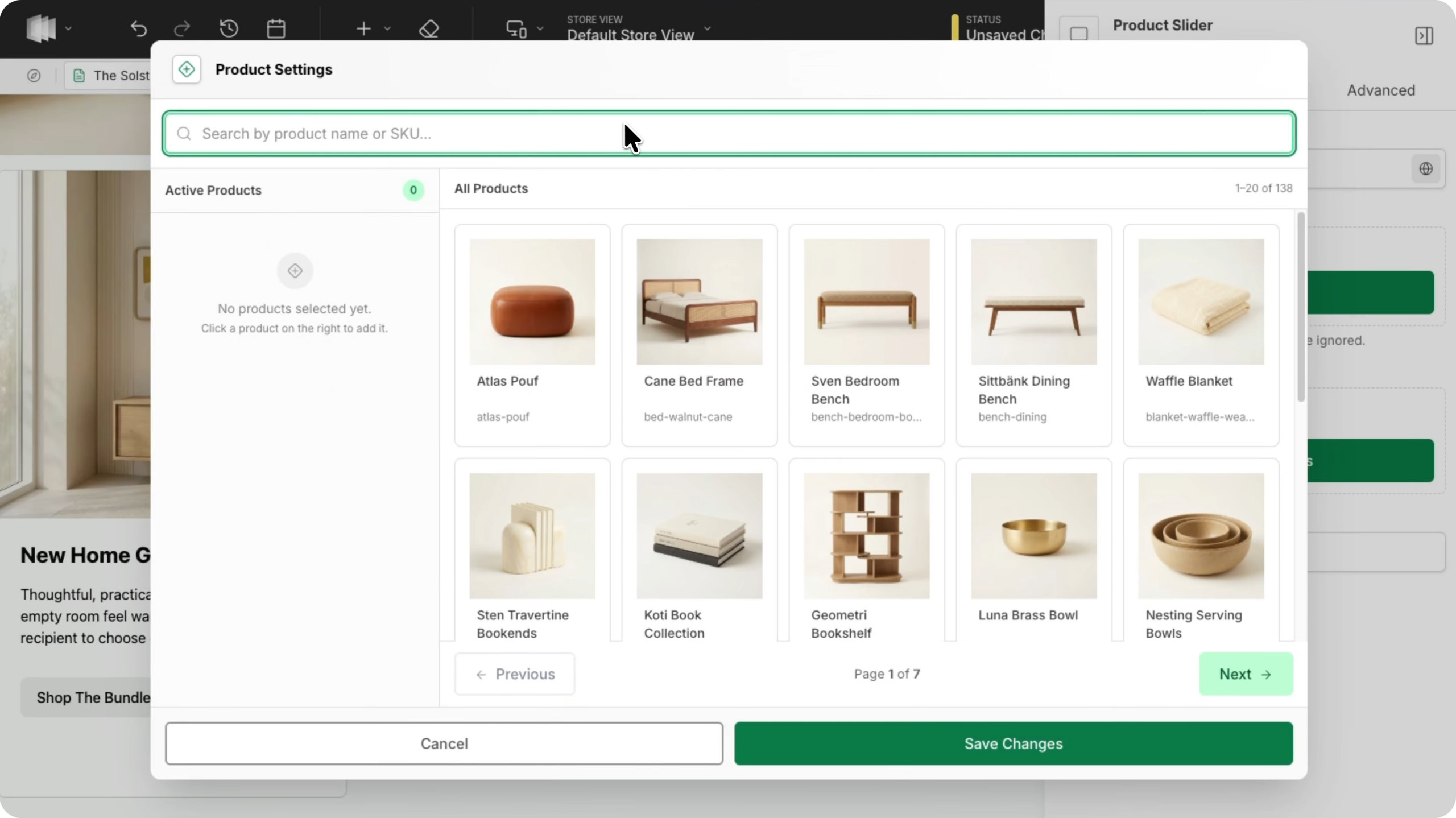
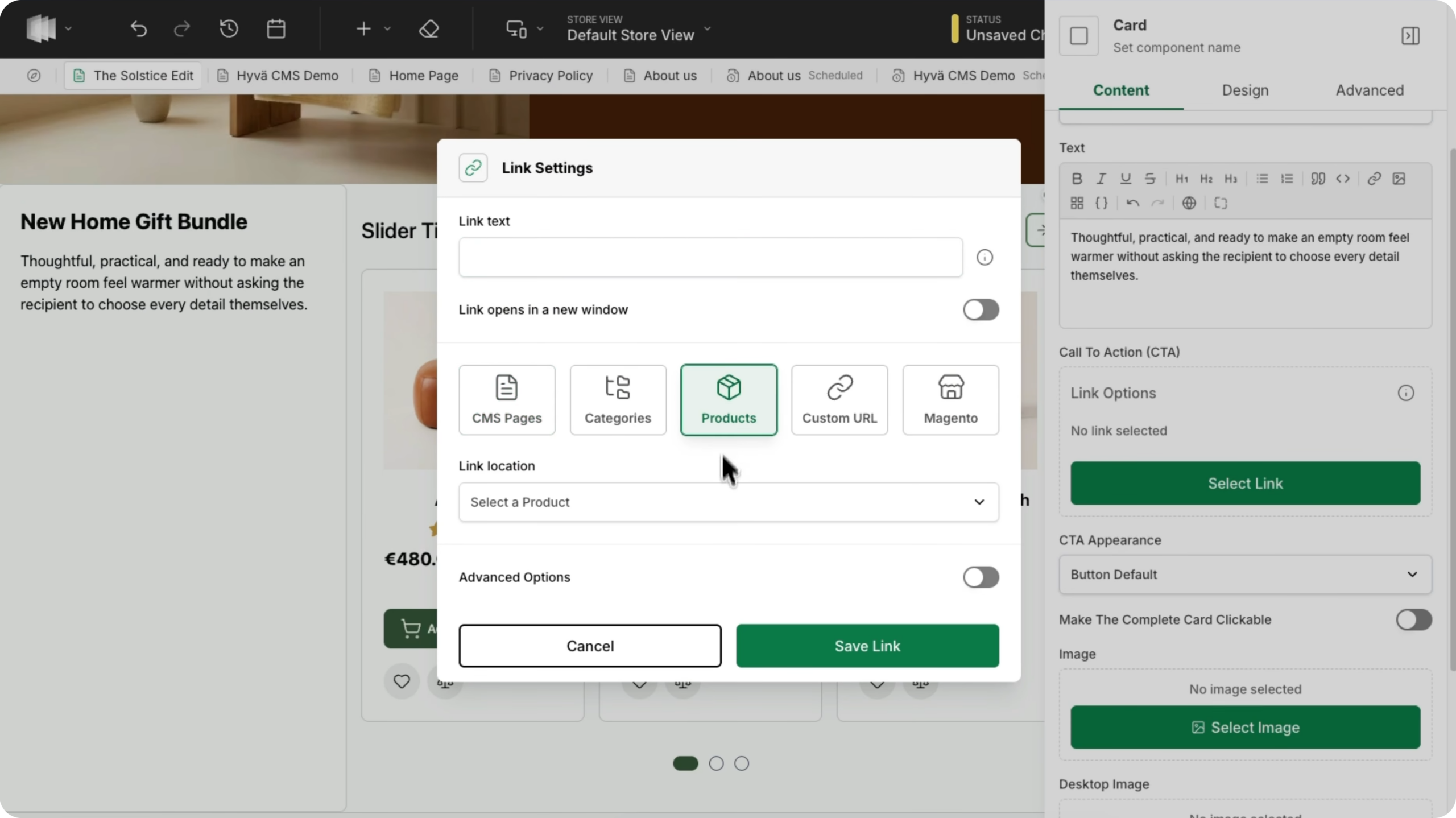
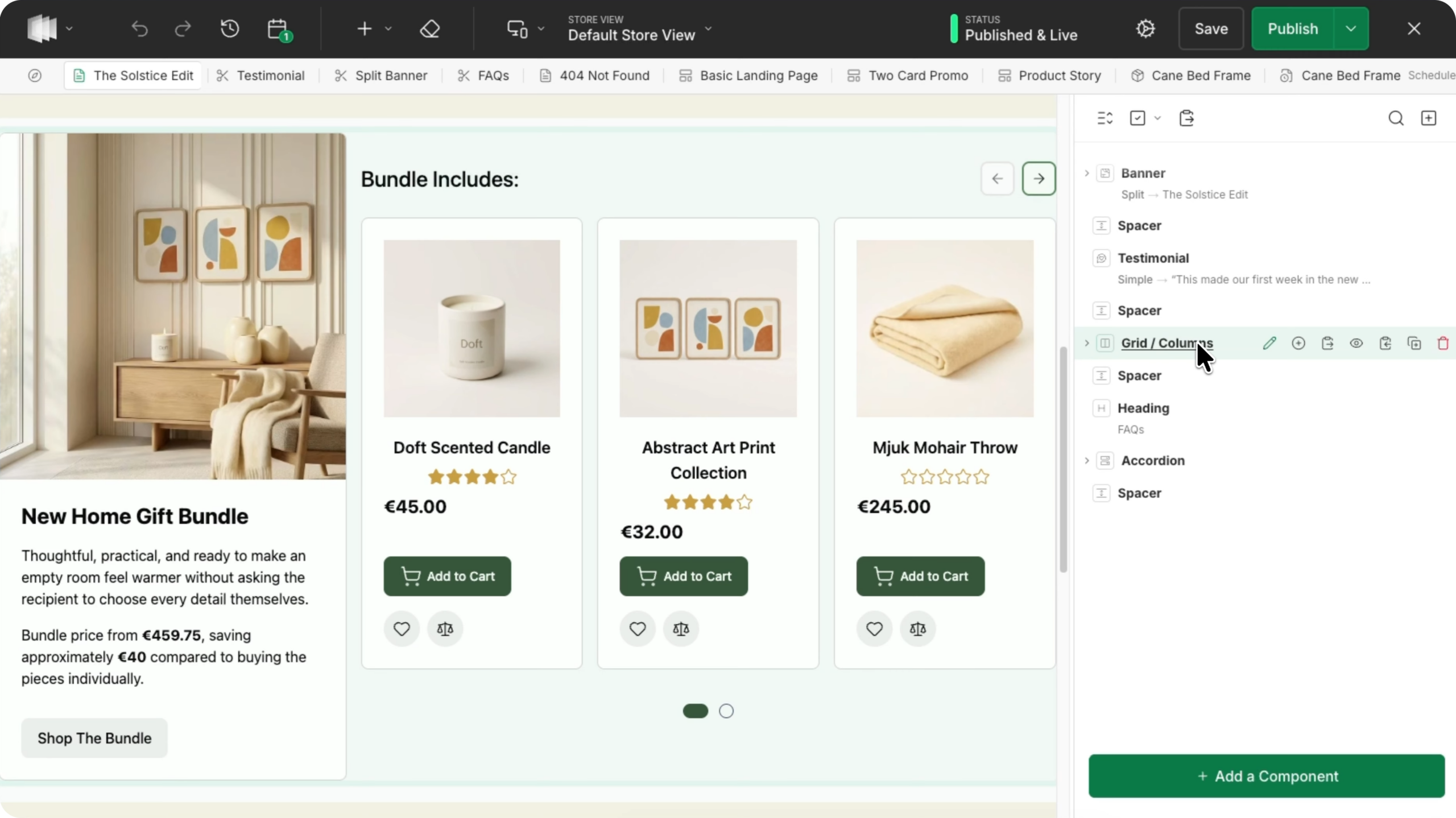
Hyvä CMS, Hyvä’s visual content editor, already supported CMS pages and blocks. Version 1.3.0 extends it to category pages and product detail pages.
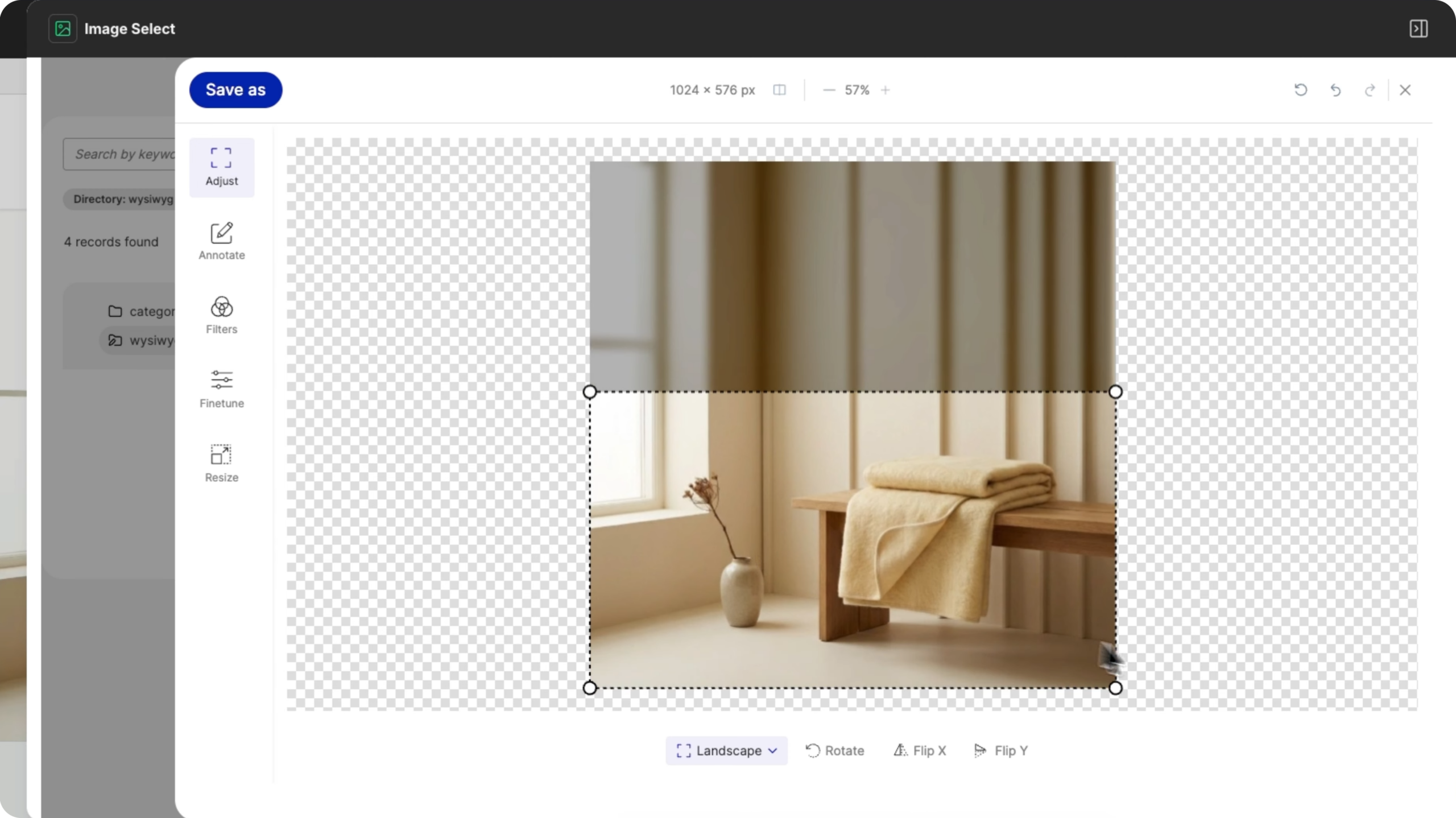
You’ll be able to adjust the layout of product and category pages visually too, without being locked into a standard template. Preview your changes exactly as visitors will see them, before you publish.
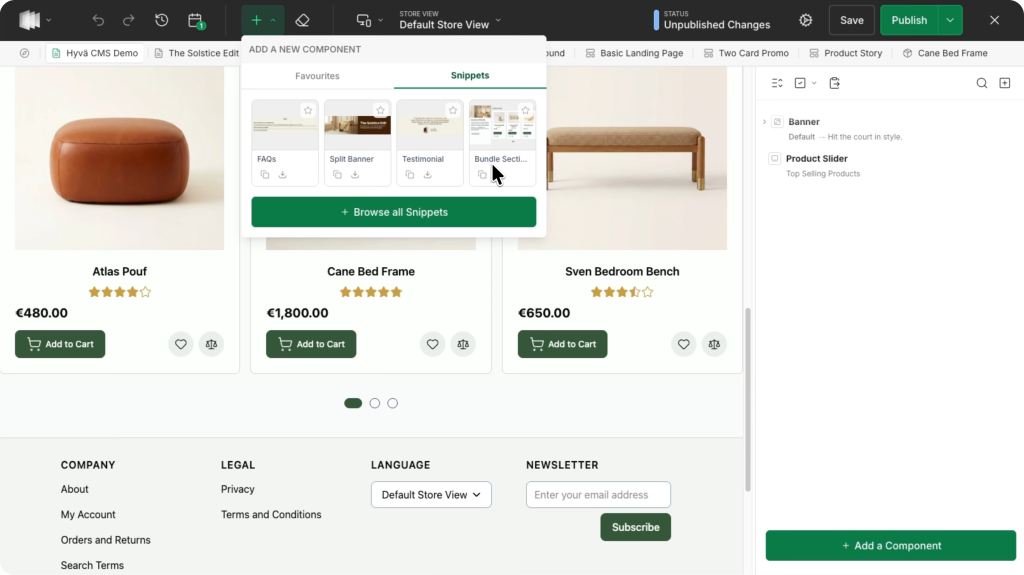
Hyvä CMS gets even easier: snippets and templates
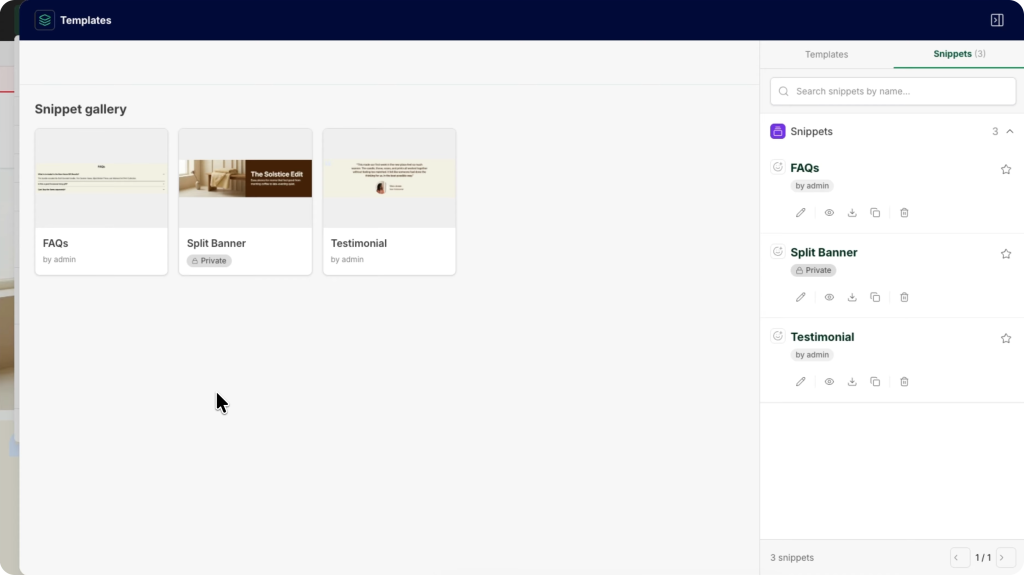
Beyond the new page types, Hyvä CMS itself has seen major improvements. Two additions will be especially welcome if you update content often: snippets and templates.
Do you reuse the same kind of content across different pages, like a standard banner, a block of trust badges, or recurring promotional copy? With snippets, you save that content once and reuse it anywhere. Templates do the same for an entire page layout. That’s especially useful if you create a new promotional landing page every month: instead of starting from scratch, you start from a template that’s already set up correctly.
Better insights with new admin dashboard widgets
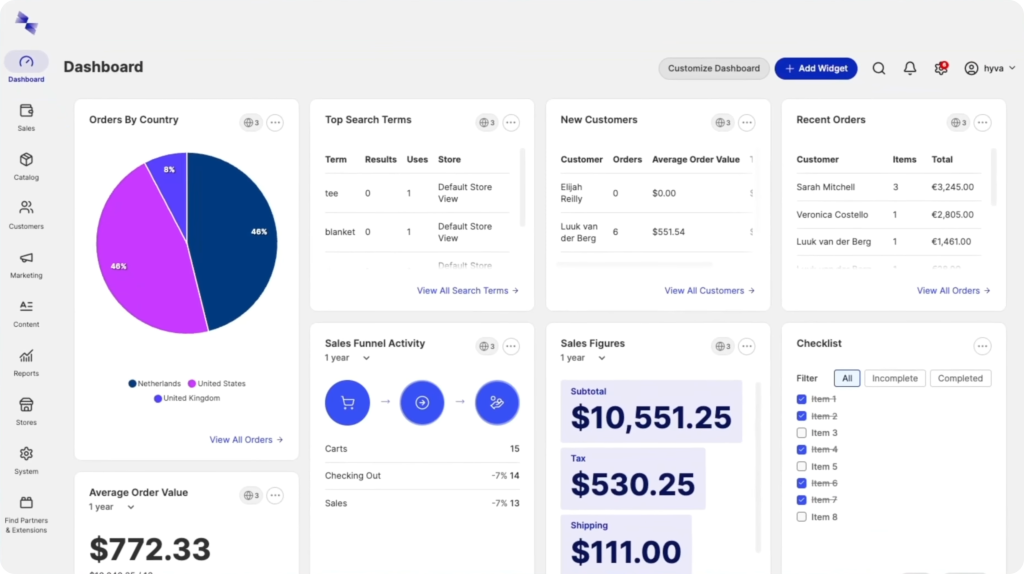
The Hyvä Admin Dashboard keeps expanding with widgets that give you insight at a glance, no report exports required. New in 1.3.0:
- Abandoned carts, broken down by period, so you can quickly see how much potential revenue is still up for grabs.
- Top customers by spend, also by period, to help you identify your best customers.
- Installed modules and versions, so you can see in one place what software your site is running.
- Most-used discount codes, so you know which promotions actually work.
- Recently edited products, categories, CMS pages, and CMS blocks, so you can always see what was worked on most recently.
New widgets are added all the time, and you’re not limited to the standard set. You can build your own widgets that show exactly the information that matters to you.
Hyvä Themes gets even faster
Hyvä Themes, the foundation of Hyvä Commerce, is now free to use and still under active development. The latest improvements focus mainly on speed. That’s good news for three things at once: your visitors’ experience, how well search engines understand your website, and how easily AI agents can find your content.
The gallery and product configuration options are now rendered server-side. Instead of the browser fetching them and building them with JavaScript after the page loads, they arrive as HTML with the initial page load. The result is a noticeably lighter page: roughly 10% smaller on product pages and almost 8% smaller on category pages. The page also no longer “jumps” while it loads, because images and configuration options are in place from the start, which improves Cumulative Layout Shift (CLS). The first visible content, such as the main product image, also appears on screen sooner. That improves Largest Contentful Paint (LCP) and makes your site feel faster to visitors.
Why does this matter to you as a merchant? A faster site converts better. A page that stays put while it loads feels smoother and more trustworthy. And a page that has all its content in place from the start is easier to “read” for both Google and the AI tools that find and recommend products.
The best-looking, fastest Magento store yet
The Menu Builder and the expanded Hyvä CMS give you more visual control than ever. Add the speed gains in Hyvä Themes, and you have the fastest Magento store yet.
Wondering what these updates could mean for your store? We’d be glad to talk it through with you.