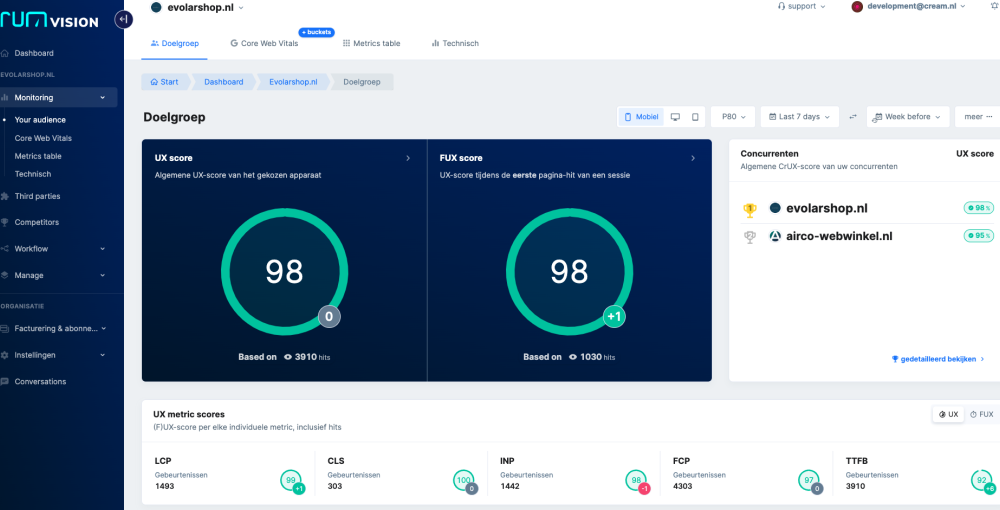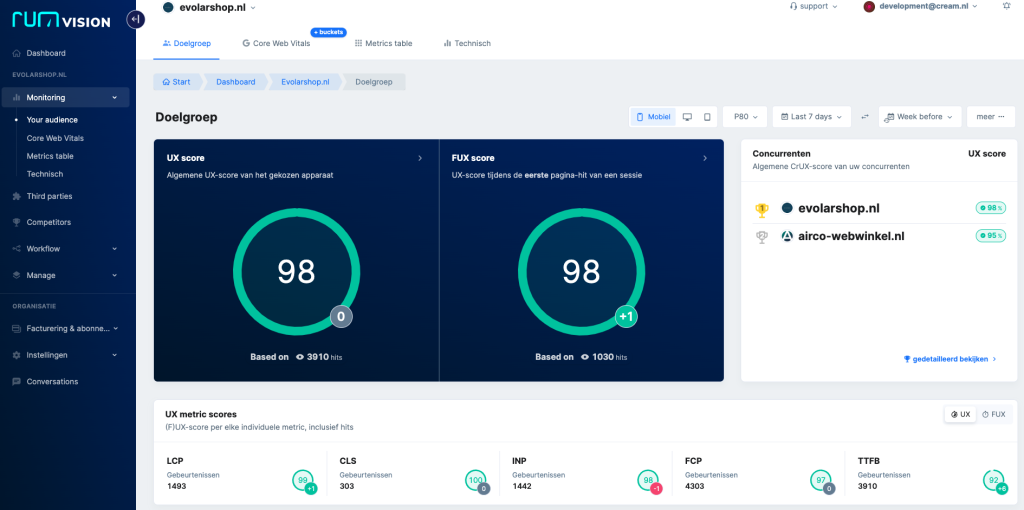

As a Magento 2 store owner, you want a site that’s fast and easy to use, and one that ranks well in Google’s search results. These days, the Core Web Vitals play a crucial role in how your online store ranks. But how do you measure that performance accurately and in real time? That’s where RUMvision comes in.
What are Core Web Vitals, and why do they matter?
Google uses the Core Web Vitals to evaluate a website’s user experience. These metrics directly affect your SEO performance and, more importantly, how visitors experience your online store. Many store owners track them with tools like Google PageSpeed Insights or Lighthouse, but these methods have their limits. They only capture a snapshot and don’t account for real-time usage data.
RUMvision solves this by measuring these metrics in real time, based on what your actual visitors experience.
The benefits of RUMvision for your Magento 2 store
RUMvision is a Real User Monitoring (RUM) tool that gives you a detailed, real-time view of how your online store performs. Here’s what it offers:
- Real-time Core Web Vitals: No waiting 28 days for data, as you do with Google Search Console.
- Competitor analysis: See how your performance compares to your competitors’.
- User insights: Understand where your visitors run into problems.
- Quick fixes: Spot and resolve page speed issues right away.
- Third-party impact: Find out how external scripts affect your performance.
- Campaign evaluation: Measure the user experience on specific landing pages and for individual marketing campaigns.
“My store is slow!!”
Instead of guessing why your store is slow, let RUMvision show you exactly where things go wrong. Maybe a recent change is hurting performance, or maybe you’ll spot an improvement instead. Either way, RUMvision tells you not just what’s wrong, but how to fix it.
The key Core Web Vitals, briefly explained
To help you understand what you’re measuring with RUMvision, here’s an overview of the key metrics:
- FCP (First Contentful Paint): The moment the first visual elements of the page appear.
- LCP (Largest Contentful Paint): The time it takes to load the largest visible element.
- CLS (Cumulative Layout Shift): A score that shows how stable the layout stays while the page loads.
- TBT (Total Blocking Time): The time lost to blocking scripts.
- TTFB (Time to First Byte): The time it takes for the server to respond.
- INP (Interaction to Next Paint): The time between a user’s action and the page’s response.
Curious how your online store is performing?
Our performance audit gives your online store a thorough checkup. We pinpoint where it can improve and implement RUMvision to measure the impact. You’ll see right away how your store performs and which optimizations really make a difference.
Get in touch today at marcel@cream.nl and find out how we can help your online store perform at its best.
Tips to speed up your online store
In the meantime, here are a few tips to get you started:
- Start with RUMvision to get real-time insights.
- Evaluate your hosting: is there room for improvement, or is it time for an upgrade?
- Minimize third-party JavaScript.
- Use tools like New Relic to track down scripts that slow things down.
- Make sure your (Varnish) cache is configured optimally.
- Use techniques like DeferJS and Speculation Rules to improve load times.